Getting started with DotVVM Tailwing UI
DotVVM Tailwing UI is a set of modern-looking UI components and design elements built with Tailwind - a popular frontend framework.
Get 30-days trial
You can try DotVVM Tailwing UI for 30 days for free.
In the Licenses section, request the trial version.
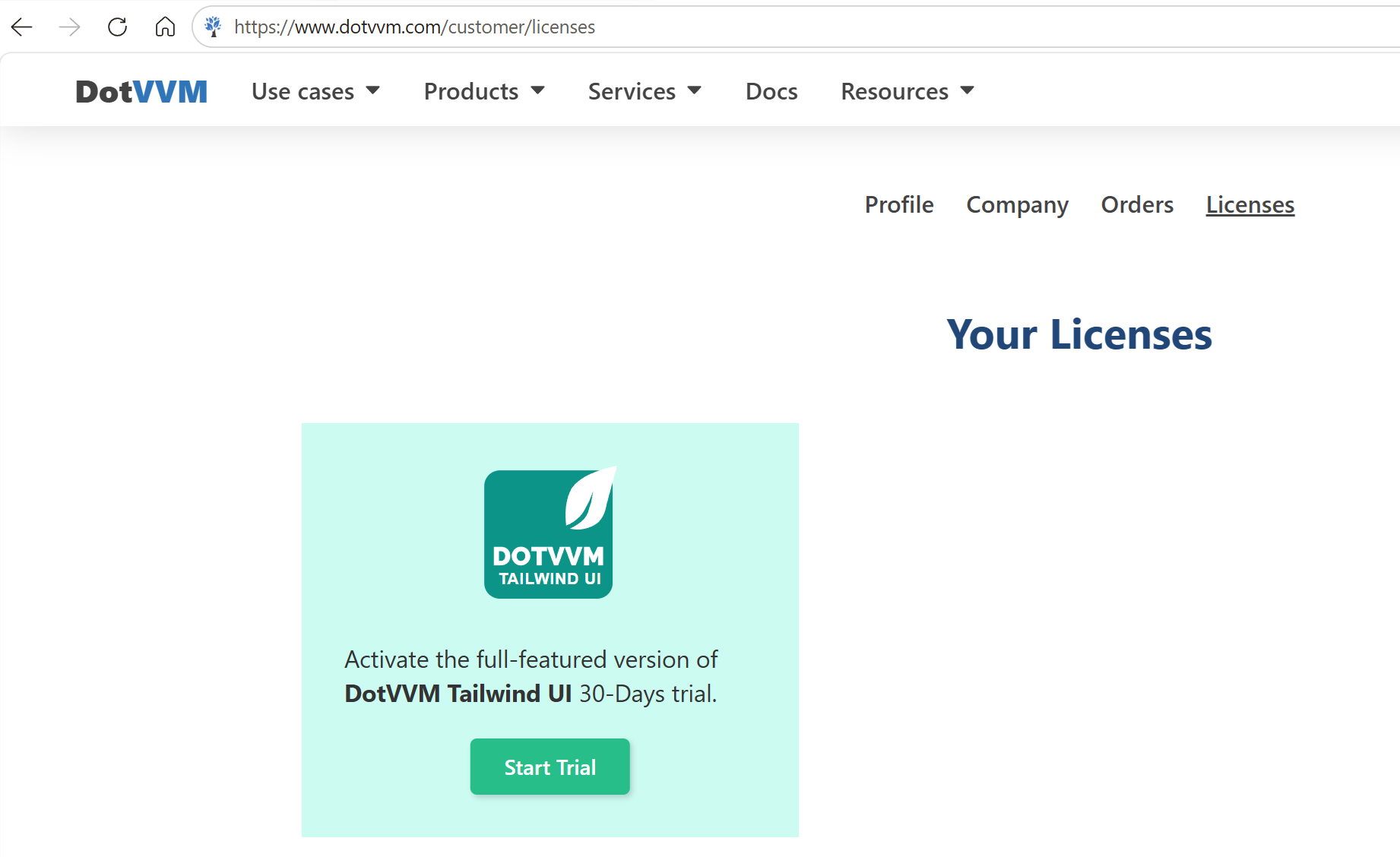
If you need more time to test the features of DotVVM Tailwind UI, contact us - we'll be happy to help.
Install Tailwind UI in the project
This option is not available in the DotVVM for Visual Studio extension yet, it will be present when the final stable of the library is published. Until then, follow the instructions in Manual installation section.
- Right-click on the project in the Solution Explorer window in Visual Studio, and select the Manage NuGet Packages option:

- Ensure th Install button in the DotVVM Tailwind UI section.

If you don't see any controls with the
<t:prefix in the IntelliSense after the packages are installed, try launching the application - the IntelliSense will refresh the project configuration.
Manual installation
If you don't want to use the wizard, you can install Business Pack manually by taking the following steps:
Make sure you have configured DotVVM Private NuGet Feed.
Install the
DotVVM.Controls.Tailwindpackage in the project.Open the
DotvvmStartup.csfile and add the following line in theConfiguremethod:
public void Configure(DotvvmConfiguration config, string applicationPath)
{
    config.AddTailwindControls();
   ...
}
This will register all Tailwind controls under the <t:* tag prefix, and it also registers the required Tailwind resources and server-side styles.